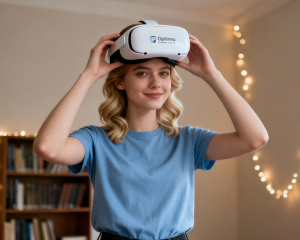
Live classes, self-paced work, and immersive VR moments. Not a headset all day.
Optima Academy Online is a real school, just without the building. Students attend live classes with real teachers, complete coursework at their own pace, and use virtual reality for select lessons and field trips, not as a replacement for the whole school day. It’s structure and flexibility, working together.
Every Day Looks a Little Different
Structure, flexibility, and VR, blended based on grade level and pace.
No two students’ days look exactly alike at Optima Academy Online, but every day includes the same core pieces: live instruction, independent coursework, and for select lessons and field trips, time in VR. Here’s what that can look like at a few different grade levels.
Elementary
Live, teacher-led lessons and hands-on independent work, with VR introduced starting in Grade 3.
Middle School
More independent coursework paired with live classes, plus VR field trips that bring subjects like history and science to life.
High School
Self-paced coursework with live instruction for core classes, and VR used for select immersive lessons, not the whole day.
VR is one part of the day, not the whole day.
VR Starts in Grade 3
Younger students focus on foundational learning first. VR comes later, and grows from there.
Students begin using Virtual Reality starting in Grade 3 (in the spring), with continued use through middle and high school to reinforce course content. Before Grade 3, learning is fully live and independent coursework, no VR headset required.
Try It Yourself
See what a personalized Optima schedule could look like, free and with no commitment.
Use our Course Explorer to build a sample schedule and see what a day could look like for your student. This is for browsing only, it’s not your student’s official schedule. Course assignments are determined by OAO based on grade level and individual needs, and you’ll get instructions to request courses through Genius after you apply.
Younger students focus on foundational learning first. VR comes later, and grows from there.
Students begin using Virtual Reality starting in Grade 3 (in the spring), with continued use through middle and high school to reinforce course content. Before Grade 3, learning is fully live and independent coursework, no VR headset required.
Don't need to build a sample schedule? Like what you see?